Direction before render.
Most AI render tools start with a prompt box. AiVizWiz starts with a shot plan: scene type, composition, materials, lighting, model, and the failure checks to judge the result against — before a single credit is spent. Renders you reject are captured with reasons, so the studio learns your taste instead of repeating its mistakes.
Plan your first render free5 free AI images every week · no card required
 Render
 Sketch
Drag to compare — sketch in, photoreal render out.
Plan → Render → Judge.
1 · Plan
Describe the brief in plain language. Smart Mode proposes the full shot before a pixel renders — you confirm or edit:
I'll render a twilight hero of the beach house — warm glazing glow against a blue-hour sky.
Model: Pro · 2 credits/image — hero-shot quality for presentation boards
Watch for: Unnatural lighting or blown exposure · Broken reflections or glazing · Warped or impossible geometry
2 · Render
One click executes the plan — per-view prompts for multi-angle sets, sketch-to-render that preserves your massing and camera, up to 4K. Failed renders are refunded automatically, and every week starts with 5 free images (banked to 10).
3 · Judge
Reject a render with one tap on the reason — warped geometry, blown lighting, wrong material scale. The studio records it and steers your next shot plan away from those failure modes. Your taste becomes the algorithm.
Six archviz scene types, planned like a studio would.
Finals and the rejects behind them.
Every published example ships with its rejected takes and why — the direction layer most render tools hide.
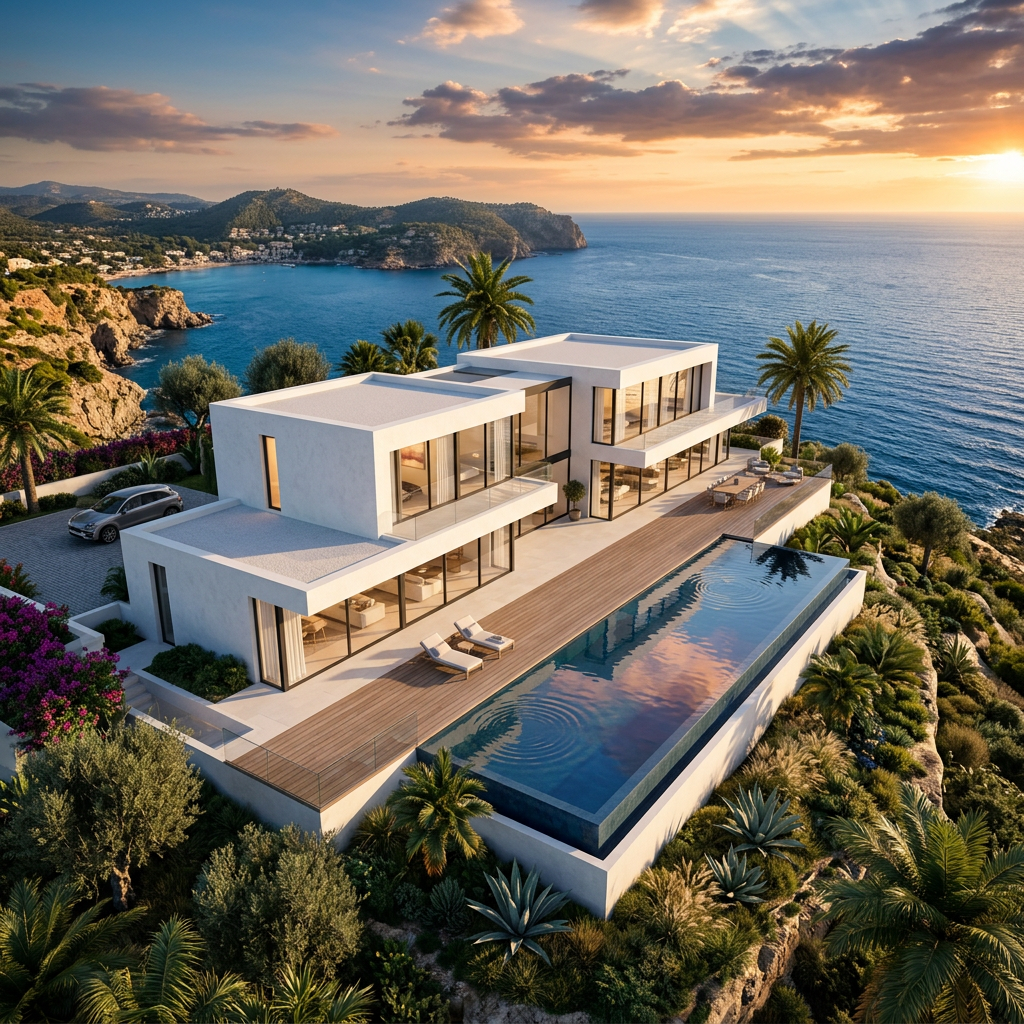
Modern villa — sketch to render
Sketch → render
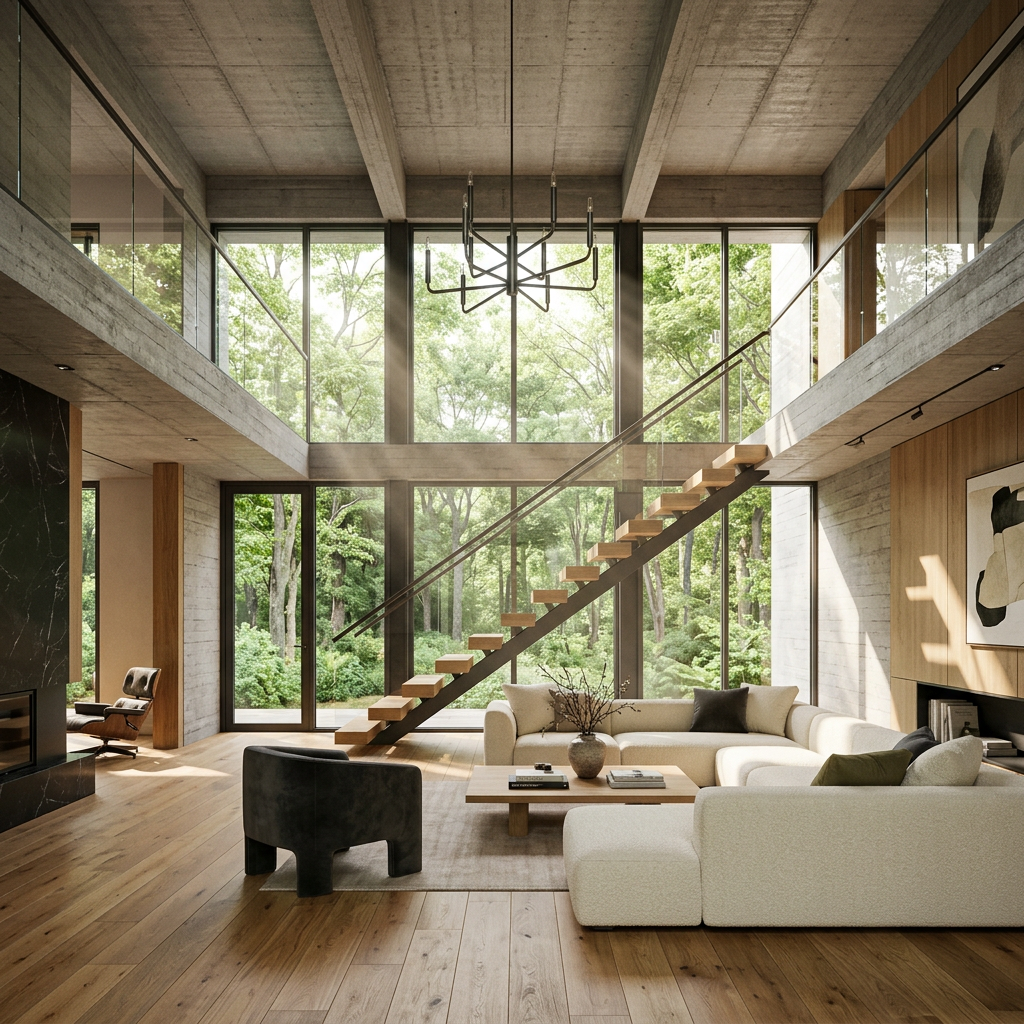
Interior wide
Interior wide
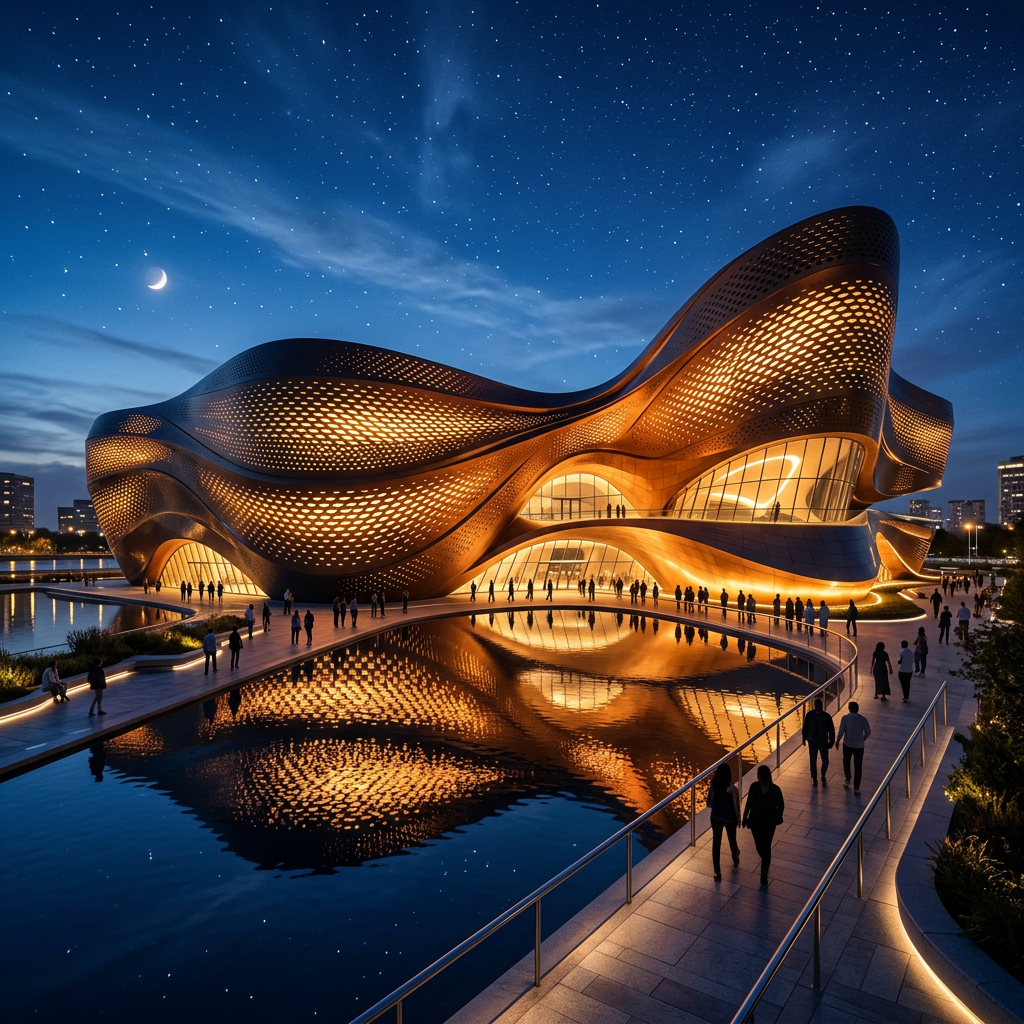
Twilight render
Twilight / dusk
Free every week. Credits when you need more.
5 free AI images land every week (max 10 banked). One-off packs — no subscription, credits valid 12 months.
Starter
$10
80 credits · Try the studio.
Creator
$50
400 credits · A couple weeks of solo work.
Studio
$200
1600 credits · Agency-pace output.
What is a shot plan?
Before rendering, Smart Mode reads your brief and proposes the full shot: scene type (exterior hero, interior wide, twilight, aerial…), aspect ratio, style, the model to render with and why, and the failure modes to check the result against. You confirm or edit the plan — nothing renders until you say so.
How is this different from ArchitectGPT, PromeAI, or Veras?
Those tools are render buttons — prompt in, image out. AiVizWiz is a direction layer: it plans the shot first, renders second, and records why you rejected outputs so the next plan avoids those failures. The expensive step in AI visuals is knowing the shot before you spend credits — that is the part we automate.
Can it turn my sketch into a photoreal render?
Yes. Drop a hand sketch, SketchUp or Rhino screenshot, and the sketch-to-render scene type preserves your massing, openings, and camera while upgrading linework to photoreal materials and lighting. You can then brush-edit regions, upscale to 4K, and animate a fly-through.
What does it cost?
Every account gets 5 free AI images each week (banked up to 10), no card required. Premium models and 4K use one-off credit packs from $10 — no subscription, and failed renders are refunded automatically.